What’s Stopping You from Moving Your Production Scheduling Out of Excel?
If you're like most manufacturing floor managers, you've most likely used spreadsheets to plan operations. Though this method of production planning services small facilities just fine, many companies quickly outgrow spreadsheet planning. The decision to move past this scheduling strategy may not be obvious at first. This software features low cost, ease of use, universal compatibility, and basic functionality.

Why give up a tried-and-true method that everyone knows how to use?
To understand that, we'd have to go to trace the use of spreadsheets in the manufacturing industry.
Released in 1985, Excel offered a graphical user interface and pull-down menus along with universal compatibility, a first for the industry. Within three years, Excel became the most widely-used spreadsheet software. It makes sense why a high percentage of manufacturing facilities use it for their planning process.
However, Excel poses serious limitations when compared to more robust and full-featured software programs designed specifically for creating and maintaining a production schedule. Below, we’ve outlined some of the common issues that medium to large manufacturing facilities experience with this program.
Why Excel is Not the Solution for Creating Optimized Schedules:
1. Reality of Error Rates
The chance of errors increases with manual entry into these spreadsheets. In fact, a study from the University of Hawaii found that errors in spreadsheets “almost always occur in a few percent of all cells.”
Though a small percentage doesn’t initially sound threatening, once a spreadsheet reaches thousands of info-bearing cells, we’re talking about dozens of errors.
Because of the delicate process involved in your production schedule, a few dozen errors could seriously cost your facility. For example, a miscalculation of a key part in production creates a domino effect resulting in a final assembly delay.
Additionally, you may accidentally delete important information that could change materials statuses or create resource conflicts without even knowing.
2. Difficulty in Analysis
Spreadsheet software lacks the capacity to analyze high volumes of data that often characterize medium to large facilities. Also, spreadsheets don’t accommodate rapidly changing production schedules and multiple project configurations very well. This inability to adjust to change spells disaster for any deadline-driven facility.
3. Leads to Lost Sales
Excel spreadsheets do not allow you to predict future sales based on a realistic schedule. This means that your company is forced to maintain a higher inventory which can increase costs or you may be failing at meeting delivery times.
Using an Advanced Planning and Scheduling software allows you to maintain your inventory based on a realistic schedule and meet your delivery dates. This will increase your customer satisfaction and increase your profits.
4. Lack of Structure
Inherently single-user, spreadsheets enable one user to control the master copy. However, when multiple users need equal access, the odds of data misinterpretation and entry error increase. Also, spreadsheet software cannot track data in real time making on-site analysis quite difficult.
5. Inevitable Uncertainties
Spreadsheets are tools of calculation, not analytics. If your facility requires ranges, forecasts, re-planning, or modeling, you’ll quickly discover the limitations of using spreadsheet software. The result: utilizing human judgment based on limited evidence. Software with analytic skills offers far better precision in identifying trends and interpreting data.
6. More Labor, Less Income
Finally, having to use Excel as your main planning and scheduling tool requires more individuals that are solely focused on it. As a result, you are wasting time and resources on a tool that should be working on its own to create the most optimized production schedule in a fraction of the time.
While Excel is a fair solution when your ERP doesn't allow for scheduling, it can also cause data and time loss. Additionally, foresight is impossible with Excel which will cause you to put more energy, time, and money to rush orders.
With an Advanced Planning and Scheduling system, you will find more time to focus on creating the most efficient production schedule without losing money.
Advanced Planning and Scheduling (APS) Software
Advanced Planning and Scheduling software has become a must for modern-day manufacturing operations as customer demand for increased product assortment, fast delivery, and downward cost pressures become prevalent.
Computer-aided manufacturing software such as an ERP, MES, or MRP software optimizes the production process and provides the control required for efficient scheduling while giving companies the advantage in lean manufacturing.
These systems help planners save time while providing greater agility in updating ever-changing priorities, production schedules, and inventory plans while reducing waste in the manufacturing process.
APS Systems can be quickly integrated with an ERP/MRP software to fill the gaps where these systems lack planning and scheduling flexibility, accuracy, and efficiency.
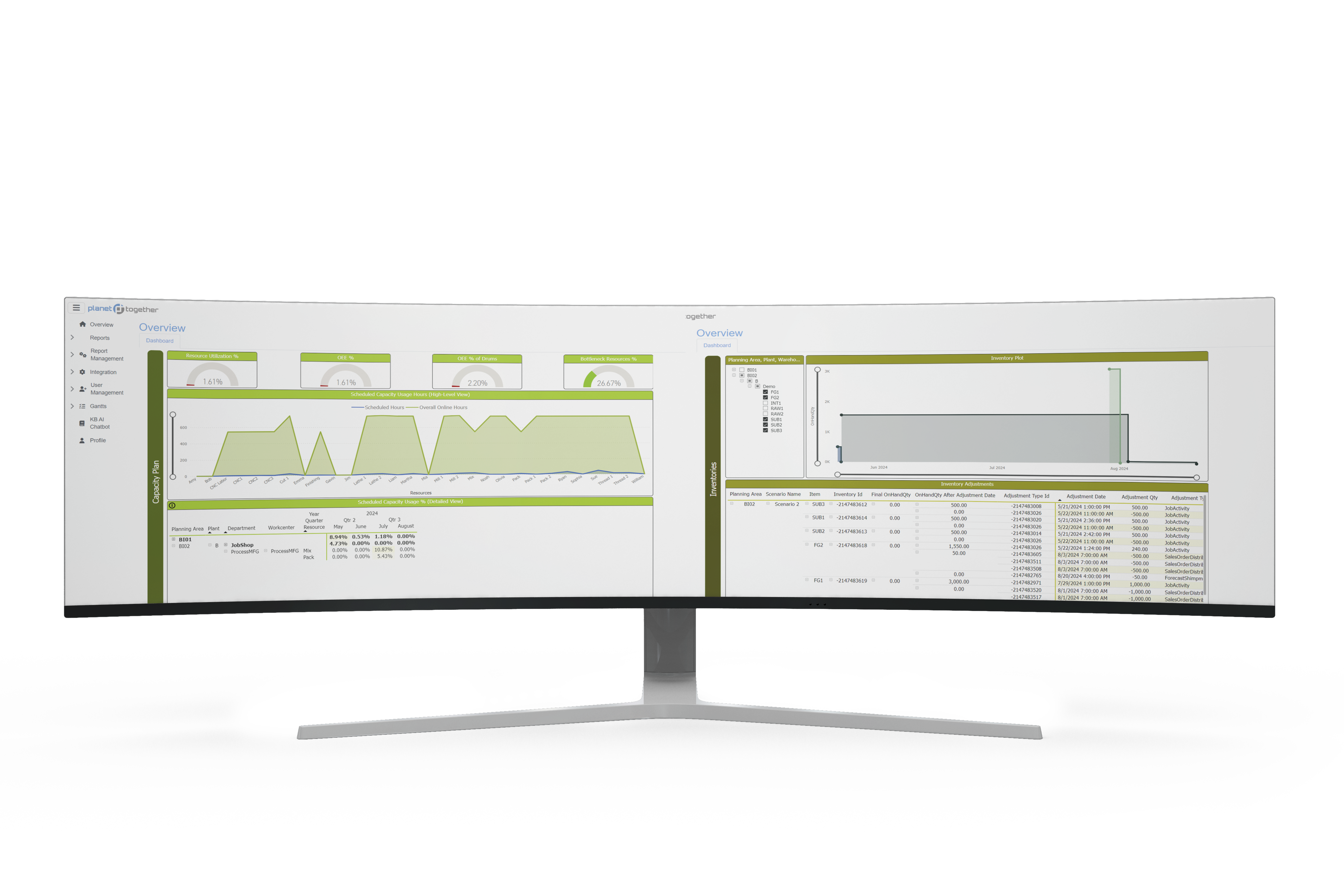
With PlanetTogether APS you can:
The implementation of an Advanced Planning and Scheduling (APS) Software will take your manufacturing operations to the next level of production efficiency by taking advantage of the operational data you already possess in your ERP system. APS is a step in the right direction of efficiency and lean manufacturing production enhancement.
Ready to Move Your Schedule Out of Excel? See What APS Implementation Really Takes.
In this article, you’ve seen why Excel is not the right tool for creating optimized production schedules:
- Manual data entry and formulas lead to hidden errors that can disrupt your entire production plan.
- Spreadsheets struggle with large data volumes, changing priorities, and multiple configurations, making it hard to react quickly.
- Single-user ownership and lack of structure mean no real-time visibility, no collaboration, and no audit trail.
- The more complex your operation becomes, the more time planners spend just keeping spreadsheets alive instead of improving the schedule.
You’ve also seen how Advanced Planning and Scheduling (APS) software like PlanetTogether can fill those gaps by creating optimized schedules, maximizing bottleneck throughput, synchronizing supply with demand, and providing company-wide visibility to capacity—using the operational data you already have in your ERP/MRP system.
The next step is understanding how to actually implement APS and migrate your planning process away from Excel with confidence.
Our white paper, “APS Implementation: Just the Facts,” gives you a practical roadmap from spreadsheet-driven scheduling to a live APS environment.
In this guide, you’ll learn how to:
- Turn existing ERP/MRP and Excel data (orders, routings, BOMs, capacities) into a reliable APS model
- Plan integration between APS and ERP, so schedules and priorities flow cleanly to and from the shop floor
- Structure your APS project phases—from initial scoping and data cleanup to go-live and continuous improvement
- Define roles for planners, operations, IT, and your APS provider so the implementation does not overwhelm your team
- Avoid common pitfalls when moving off spreadsheets and ensure APS delivers what Excel never could: optimized, constraint-aware schedules you can trust
If you’re serious about getting your production schedule out of Excel and into a system built for optimization, this guide is your next step.
