








Advanced Planning and Scheduling Software for Manufacturers
PlanetTogether Advanced Planning and Scheduling (APS) helps manufacturers build realistic production schedules around capacity, materials, labor, routings, changeovers, due dates, and plant-specific constraints. Explore how APS supports batch, discrete, process, and multi-site manufacturers across food and beverage, life sciences, chemicals, aerospace and defense, industrial machinery, metal fabrication, mobility, high-tech, and printing and packaging.
Trusted by manufacturers including AFL, Saint-Gobain, Caterpillar, and Graphic Packaging.
What is Advanced Planning and Scheduling (APS) Software?
Advanced planning and scheduling software, often called APS software, helps manufacturers create realistic production schedules based on actual plant constraints. PlanetTogether APS uses capacity, materials, labor, routings, changeovers, due dates, inventory, and ERP/MES data to show what work can run, when it can run, and where constraints may affect the schedule.
Unlike spreadsheets or basic ERP scheduling, APS software gives planners a constraint-aware view of production. Instead of rebuilding schedules manually or relying on rough promise dates, manufacturers can evaluate bottlenecks, compare what-if scenarios, and publish schedules the plant can realistically execute.
For manufacturers with complex production environments, APS software supports better on-time delivery, capacity planning, schedule optimization, and visibility across planning, operations, and the shop floor.
How APS Software Differs from ERP, MRP, MES, and Excel Scheduling
ERP, MRP, MES, Excel, and APS all support manufacturing planning, but they solve different parts of the scheduling problem. ERP manages business records, MRP calculates material needs, MES tracks shop-floor execution, and Excel gives planners manual flexibility. APS is the scheduling layer that turns business, material, and shop-floor data into a realistic production schedule.
| System | Primary Role | Where APS Adds Scheduling Value |
|---|---|---|
| ERP |
Manages orders, inventory, purchasing, financials, and business records. |
Turns ERP demand, order, inventory, and routing data into realistic production schedules based on capacity, labor, materials, changeovers, and due dates. |
| MRP |
Calculates material requirements and supply/demand needs. |
Aligns material plans with finite capacity so planners can see whether materials and resources are available before work is scheduled. |
| MES |
Tracks shop-floor execution, production status, and actual performance. |
Uses shop-floor status to adjust future schedules, identify bottlenecks, and respond when production runs ahead, falls behind, or changes unexpectedly. |
| Excel |
Gives planners manual control over schedule changes and local workarounds. |
Replaces manual schedule rebuilding with shared, constraint-aware scheduling, what-if analysis, and visibility across teams. |
| APS |
Creates realistic, constraint-aware production schedules. |
Shows what can realistically run, when it can run, what constraints are in the way, and how schedule changes affect the rest of the plant. |
ERP, MRP, MES, and Excel all provide useful planning data, but they are not designed to create a fully constraint-aware production schedule on their own. APS software helps manufacturers connect business data, material availability, shop-floor status, and plant constraints into one schedule planners can trust.
Overcome Manufacturing Challenges Fast
Plants need a schedule they can trust. However, orders, supply, labor, and equipment change often. Spreadsheets and old tools can hide the real constraint. PlanetTogether APS shows capacity, materials, and bottlenecks before work reaches the floor.
Prevent Late Orders Before They Reach the Floor
Identify at-risk jobs earlier, compare recovery options, and adjust priorities before due dates are missed.
Find Hidden Capacity in Machines, Crews, and Lines
See where capacity is overloaded or underused before accepting new work or adding overtime.
Eliminate Bottlenecks
Spot constraint conflicts early. Then, protect bottleneck resources. As a result, teams can keep high-priority jobs moving.
Enhance Visibility
Connect schedule, inventory, demand, and plant data in one view. Therefore, planners can see how each change affects the plan.
Streamline Scheduling
Automate routine scheduling work. Instead, planners can spend more time on exceptions, customer needs, and schedule adherence.
Reduce Overtime, Expedites, and Excess Inventory
Plan with labor, materials, and capacity in view so teams can avoid last-minute schedule changes.
Trusted by manufacturers across complex production environments
Advanced Planning & Scheduling Features Built for Complex Production
PlanetTogether APS helps planners build, compare, and adjust production schedules around real plant constraints. Capacity planning, schedule optimization, scenario planning, analytics, and inventory planning work together so teams can see bottlenecks, capacity gaps, material risks, and schedule adherence as conditions change.
See demand against available machines, crews, tooling, and resources. Identify overloaded work centers and open capacity before schedule conflicts affect delivery.
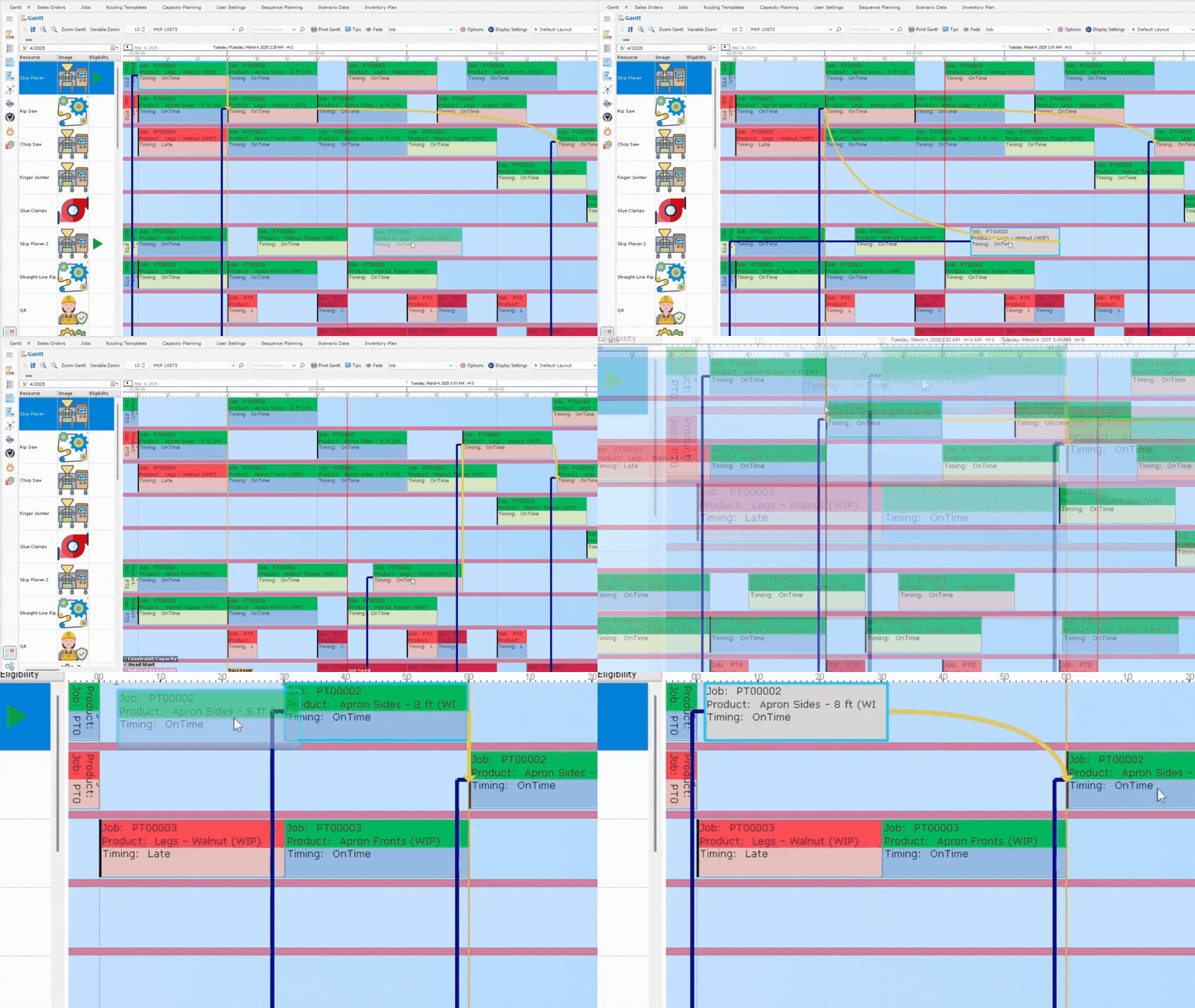
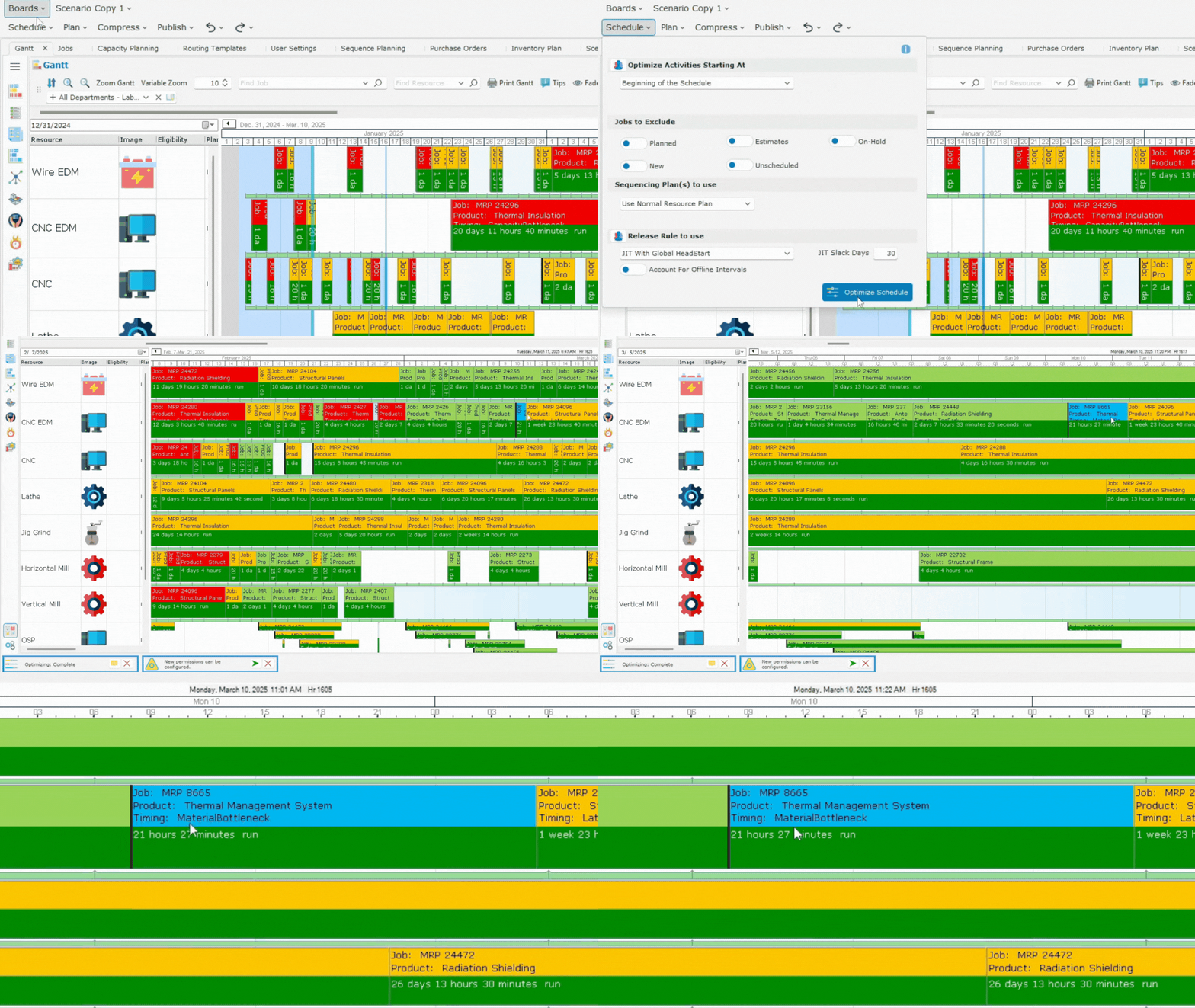
Sequence work around capacity, materials, changeovers, priorities, and due dates. Compare scheduling options to reduce avoidable changeovers, protect key resources, and build a schedule planners can trust.
Find the resource that limits throughput, whether it is a machine, work center, tool, crew, or material. Make bottlenecks visible before they disrupt production.
Test schedule changes before committing them to the plant. Compare the impact of rush orders, demand shifts, supplier delays, downtime, or labor changes before publishing a new schedule.
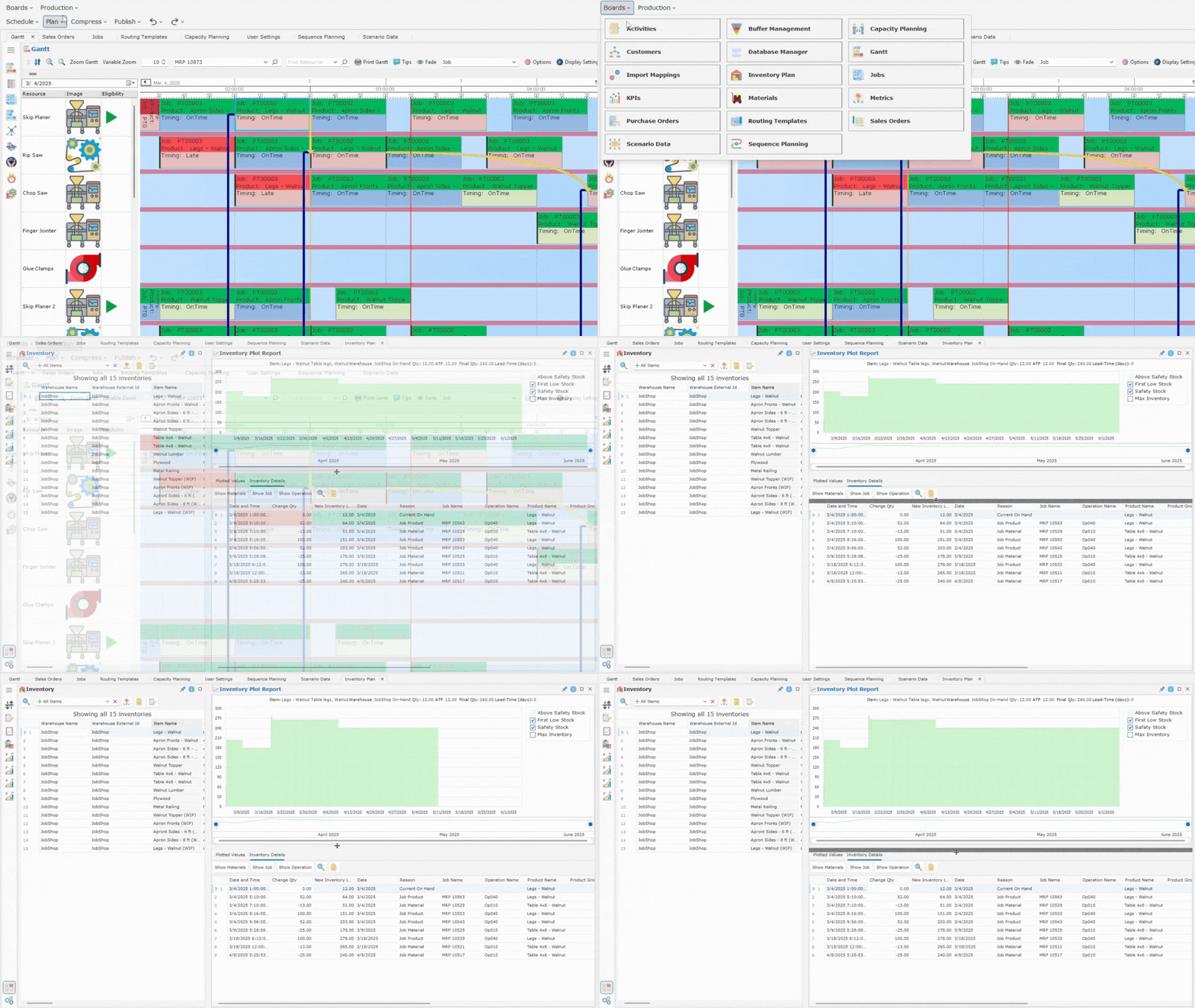
Connect material availability to the production schedule. See material gaps earlier, avoid scheduling work before inventory is available, and align production timing with supply.
Not sure which APS capabilities would create the most value for your plant? Get a clear view of your scheduling maturity and where to focus next.
A Full Suite of Advanced Planning & Scheduling Features
PlanetTogether APS delivers advanced planning and scheduling software tools that address the most demanding requirements in manufacturing. Our platform brings together scenario planning, real-time data, and easy-to-use dashboards. This helps your team manage production schedules, fulfill orders, and boost operational efficiency.
Capacity planning with PlanetTogether APS ensures you make the most of your available machines, labor, and resources. By matching workload to actual capacity, you can avoid over-scheduling.
This helps reduce bottlenecks and increase throughput. You can also clearly see when you can take on new orders without worrying about delays or extra costs.
Our APS system helps you produce optimized schedules, quickly generating the most efficient production sequence for your unique constraints. The result is fewer changeovers, reduced downtime, and a schedule you can trust no matter how complex your shop floor becomes.

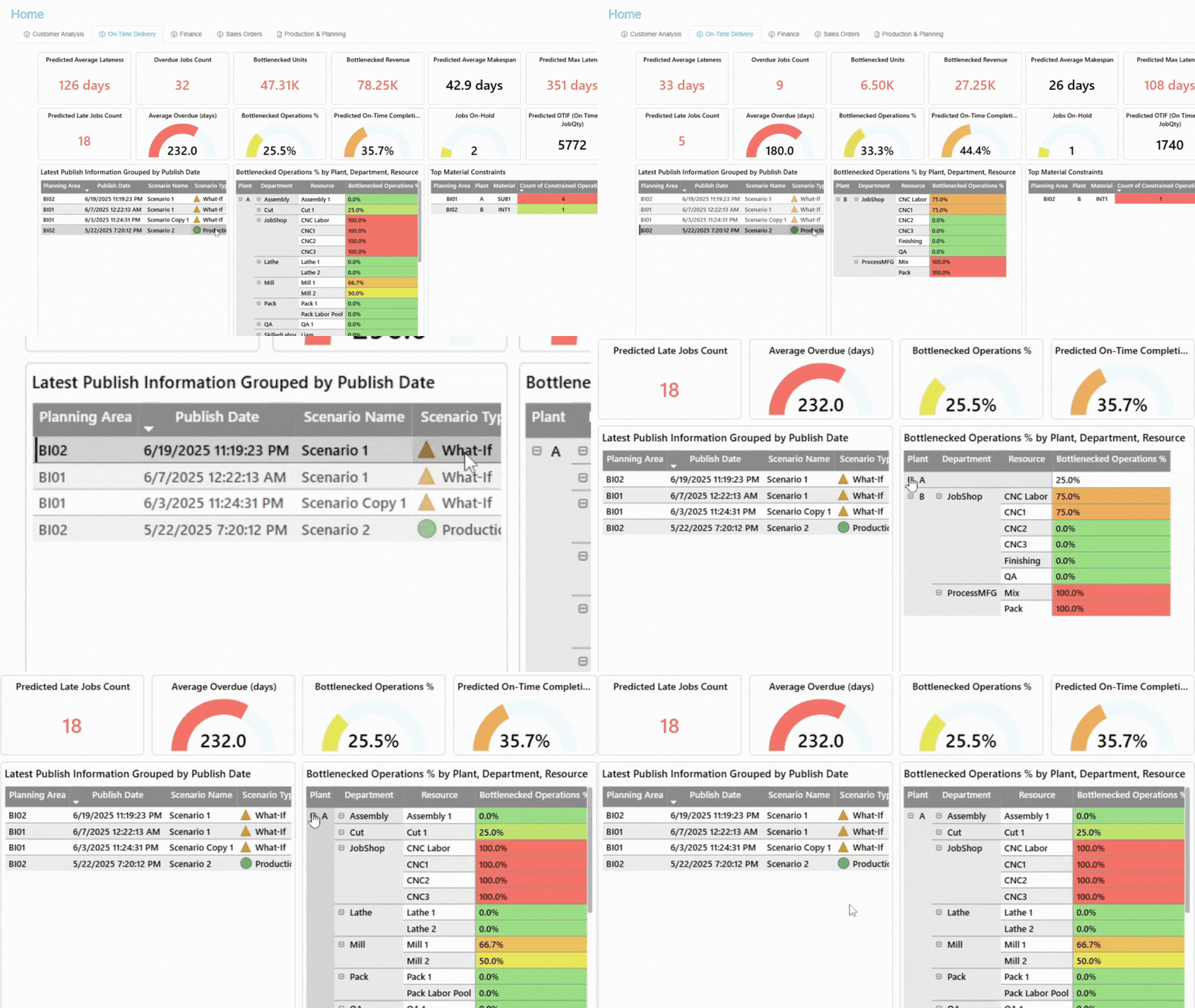
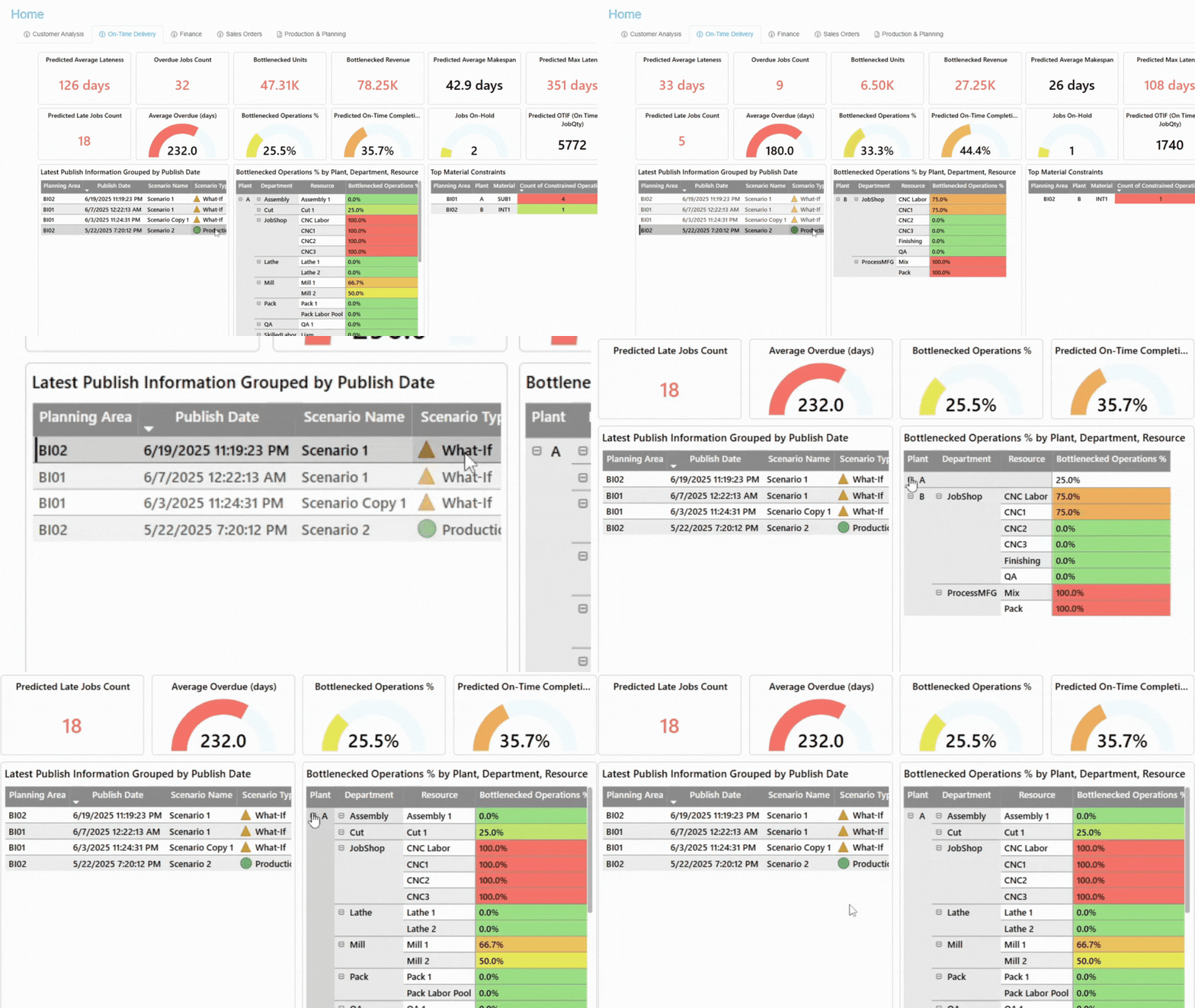
Ensure your bottlenecks are visible. Real-time insights allow you to identify and resolve issues before they hinder your operations. This approach helps maintain smooth operations and prevents costly delays in your manufacturing processes.

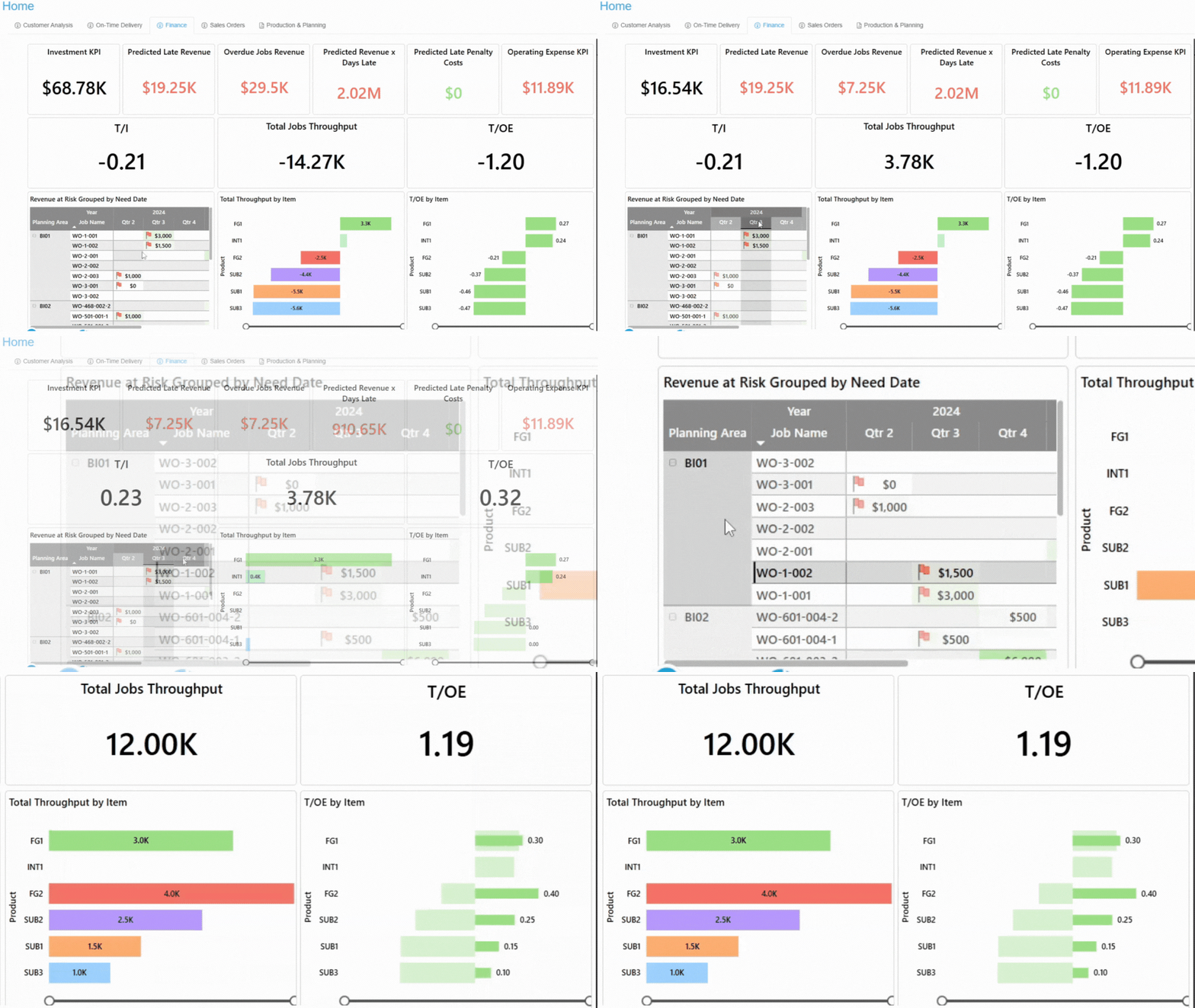
Provide management and executives with high-level dashboards and analytics that reveal real-time performance, trends, and operational bottlenecks. With this visibility, leaders can guide growth, set priorities, and make decisions based on data.

Incorporate inventory planning into your scheduling process. This ensures the availability of necessary materials, preventing both overstock and shortages. It results in more efficient production, lower carrying costs, and more dependable deliveries.

.png?width=600&height=600&name=ERP%20and%20APS%20PlanetTogether%20(1).png)
When Manufacturers Should Evaluate APS Software
APS software is worth evaluating when your production schedule changes faster than your current tools can keep up. If planners rebuild schedules manually, rely on rough ERP/MRP dates, or spend too much time reacting to disruptions, your scheduling process may have outgrown spreadsheets or basic planning tools.
APS may be worth evaluating if two or more of these are true:
- Planners rebuild production schedules manually.
- Rush orders, shortages, downtime, or labor changes force frequent rescheduling.
- Capacity, labor, materials, tooling, or changeovers often limit the schedule.
- ERP/MRP dates do not reflect what the plant can actually run.
- Teams need better visibility across ERP, MES, inventory, labor, or supply chain data.
If two or more apply, APS software is worth evaluating. How APS-ready is your scheduling? Get a clear view of your scheduling maturity and where to focus next.
Where APS Software Can Create Manufacturing ROI
APS software can create measurable value when it helps manufacturers reduce schedule instability, avoid late orders, improve constrained resource utilization, reduce manual planning work, and respond faster to disruptions. PlanetTogether APS supports ROI by helping planners build schedules around real capacity, materials, labor, changeovers, and ERP/MES data.
| ROI area | How APS helps |
|---|---|
| On-time delivery |
Identifies at-risk orders earlier so planners can adjust priorities before due dates are missed. |
| Overtime and expediting |
Shows capacity conflicts, material issues, and schedule tradeoffs earlier, helping teams reduce last-minute firefighting. |
| Changeover reduction |
Supports better sequencing so planners can reduce unnecessary setup time and product-family switching. |
| Throughput |
Helps identify bottlenecks and evaluate ways to increase output before adding equipment or labor. |
| Planner productivity |
Reduces manual schedule rebuilding with constraint-aware scheduling, what-if analysis, and shared visibility. |
| Inventory and WIP |
Helps align production timing with material availability, demand priorities, and realistic capacity. |
Reduce Manual Schedule Rebuilding
Identify Late Orders Earlier
Reduce Avoidable Overtime and Expediting
Improve Constrained Resource Utilization
Want to estimate the impact for your plant?
Use the APS ROI Calculator to estimate where scheduling improvements may create the most value.
Create End-to-End Scheduling Visibility
PlanetTogether APS connects production schedules with the systems that run the plant, including ERP, MES, labor, inventory, and supply chain tools. Planners can see how changes in orders, materials, capacity, labor, or shop-floor status affect the full schedule.
ERP Integration
Connect APS scheduling with ERP data from systems such as SAP, Microsoft Dynamics, NetSuite, and Oracle. Planners can use order, inventory, routings, and due-date data to build schedules without manually rekeying information.
MES and Shop Floor Systems
Link planned schedules with shop-floor status and production updates. When work runs ahead, falls behind, or changes unexpectedly, planners can adjust future schedules with better context.
Labor and Employee Scheduling
Connect labor availability, skills, shifts, and coverage to production planning. Planners can build schedules that reflect both available resources and available people.
Real-World Manufacturing Results
See how manufacturers use PlanetTogether APS to improve scheduling visibility, reduce manual planning work, respond faster to production changes, and manage constraints across complex production environments. These examples show how manufacturers use APS to replace manual planning, improve sequencing, reduce scheduling time, and respond faster to production changes.
A medical device manufacturer replaced outdated scheduling methods with PlanetTogether APS to improve planning visibility and reduce manual schedule coordination.
A snack manufacturer used PlanetTogether APS to improve sequencing, increase output, and reduce avoidable changeover time.
A motor vehicle manufacturer replaced manual planning with real-time APS scheduling to improve visibility and respond faster to production changes.
Advanced Planning and Scheduling (APS) Software FAQs
What does advanced planning and scheduling software do?
Advanced planning and scheduling software helps manufacturers create realistic production schedules around capacity, materials, labor, routings, changeovers, due dates, and ERP/MES data. APS software shows what work can run, when it can run, and which constraints may affect the schedule.
How is APS different from ERP scheduling?
ERP systems manage orders, inventory, and business records. APS focuses on the detailed production schedule. It uses ERP data, then applies plant constraints so planners can see realistic start dates, finish dates, and capacity conflicts.
When should a manufacturer consider APS software?
Consider APS when spreadsheets or ERP dates no longer show what the plant can run. If planners spend hours fixing schedules, chasing shortages, or managing bottlenecks by hand, APS can support better decisions.
Can PlanetTogether APS connect with ERP and shop floor systems?
PlanetTogether APS can connect scheduling with ERP, MES, labor, and supply chain systems. This helps planners align orders, materials, labor, and production status in one planning process.
Who uses APS software?
Planners, schedulers, operations leaders, and plant managers use APS software. In practice, they use it to plan work, review capacity, manage bottlenecks, and protect customer due dates.
Does APS software replace ERP or MES?
No. APS software typically works alongside ERP and MES systems. ERP manages business records and MES tracks shop-floor execution, while APS helps create realistic production schedules based on capacity, materials, labor, routings, changeovers, and due dates.
What data does APS software use?
APS software can use data such as orders, inventory, routings, work centers, machine capacity, labor availability, due dates, changeovers, and shop-floor status. PlanetTogether APS can also use ERP/MES data to help planners build more realistic schedules.
How does APS software help with bottlenecks?
APS software helps planners identify constrained resources before they disrupt production. Bottlenecks may include machines, work centers, labor, tooling, materials, or changeovers.
How does APS support what-if scenario planning?
APS software lets planners test changes before publishing a new schedule. Teams can compare the impact of rush orders, material shortages, downtime, labor changes, or shifting demand before committing to a plan.
How do I know if my plant is ready for APS software?
APS may be worth evaluating if planners rebuild schedules manually, ERP/MRP dates do not reflect what the plant can run, or frequent changes in orders, materials, labor, or downtime force constant rescheduling.